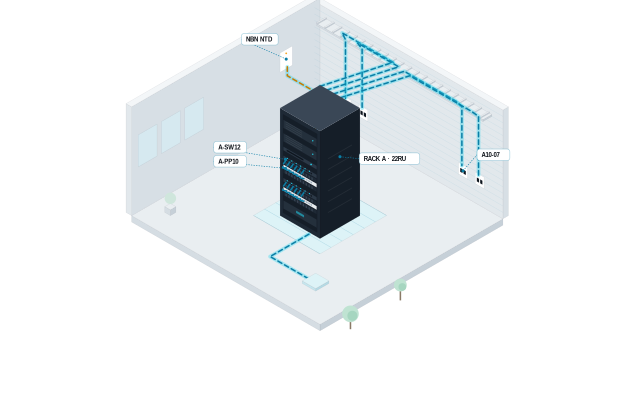
Physical condition
- Rack secure, doors and locks working, side panels fitted
- Airflow clear: blanking panels in empty RUs, nothing blocking vents
- Cable managers in place and not overfilled
- No equipment resting on other equipment without a shelf
Hardware
- Every device identified: make, model and the RU it occupies
- Every device labelled on the front
- Unused or decommissioned devices noted for removal
Power
- What feeds each device: PDU or UPS outlet, or a wall power point
- Devices with redundant power supplies fed from two sources
- UPS and PDUs identified, and the circuits they come from
Patching and structured cabling
- Every patch lead recorded, with both ends and its colour
- Every panel port either cabled to a wall outlet or marked spare
- Leads that bypass the panel (wall outlet straight into a switch) noted
- Damaged ports marked
Records
- Labels match the record
- Photos of the front and rear of the rack
- Uplinks to other racks and the carrier service recorded
- Who did the audit, and when
Doing it in CABVIX
Put the site in Survey mode and document the rack as you check it. Documentation health then lists what is still missing — power, unidentified ports, rogue cables, out-of-date labels, evidence — with a button to fix each one, and every change is kept in the rack’s history.
COMMON QUESTIONS
FAQs
How often should a rack be audited?
Whenever you inherit a site, before a planned change, and on whatever routine your client agrees. A record that is kept current as work happens needs far less auditing.
What is a rogue cable?
A lead that runs from a wall outlet straight into a device, bypassing the patch panel. CABVIX lets you record it, flags it and explains how to re-terminate it.
KEEP READING
Related
TRY IT
See it in the real app.
The live demo on our homepage is the real CABVIX app running in your browser on sample data. CABVIX is releasing soon: join the launch list to be first in.