CABVIX / Solutions / In-house IT & infrastructure teams
FOR IN-HOUSE IT TEAMS
Your network,
down to the last patch lead.
When something breaks at 7 am, the record should already say which switch port the reception desk is on, what powers the core switch and what else shares that UPS. CABVIX keeps that record for your own sites.
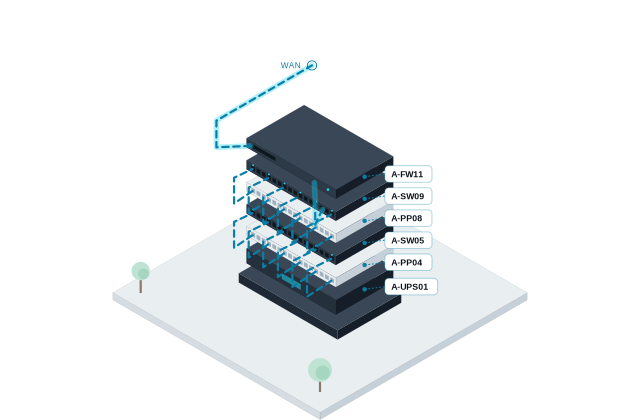
Know what depends on what
Trace any outlet to its switch port. Blast Radius shows what a failed switch, UPS, rack or carrier would take down, ranks your single points of failure and produces a resilience report.PRO
Contractors without the risk
Your cabling contractor gets edit access to the racks they’re working on, for the hours they’re on site, and their changes are saved into your record with their name. Every workspace also has an activity log of sign-ins, access changes, restores and exports.
Records you own
Owners and admins can download all of the workspace’s data at any time, on every plan: spreadsheets of racks, hardware, patching, outlets, power and links, plus a complete copy.
STEP BY STEP
How it works
- Document your sitesOne rack at a time.
- Fill the gapsHealth shows what’s missing.
- Find the weak pointsBlast Radius (Pro).
- Keep it currentContractors update what they change.
COMMON QUESTIONS
FAQs
Where is our data stored?
Customer records are stored in Sydney. See Trust & Security for encryption, backups, sign-in and sub-processors.
Can we sign in with Microsoft 365?
Yes. Continue with Microsoft or Google is on the sign-in page, and two-step sign-in in CABVIX still applies.
KEEP READING
Related
TRY IT
See it in the real app.
The live demo on our homepage is the real CABVIX app running in your browser on sample data. CABVIX is releasing soon: join the launch list to be first in.