CABVIX / Solutions / Rack power documentation
RACK POWER DOCUMENTATION
Know what powers
every device.
When a UPS fails or a circuit is switched off, the first question is what goes down with it. CABVIX records the power chain for every device — wall power point, UPS, PDU, inlet — so the answer is already written down.
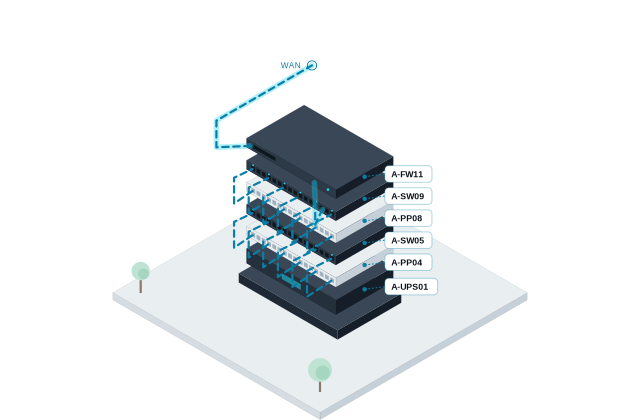
From the wall to the device
Click a device and choose what feeds it: a PDU outlet, a UPS outlet or a wall power point in the room. Devices with two power supplies get two feeds. The power chain shows the whole path, and CABVIX flags devices that have only one.
Power points in the room
Room view draws each room to scale with its racks and the power points on its walls, with their circuit, so a feed can name the exact power point it comes from.PRO
What fails if the power does
Blast Radius runs a mains or UPS failure through the record and lists every device and outlet that would lose power, and which keep running on battery.PRO
STEP BY STEP
How it works
- Open the rack’s Power tabEvery device that needs power is listed.
- Pick the sourceA PDU or UPS outlet, or a wall power point.
- Add a second feedFor devices with redundant power supplies.
- Check the gapsDevices without a recorded feed show as a health issue.
COMMON QUESTIONS
FAQs
Can I see the power cords on the rack?
Yes, on Pro. Power cords are drawn on the rear elevation from each UPS or PDU outlet to the device, with plug types and lengths in the lead list.
Does CABVIX monitor live power or load?
No. CABVIX documents how the rack is powered; it does not connect to UPSs or PDUs.
KEEP READING
Related
TRY IT
See it in the real app.
The live demo on our homepage is the real CABVIX app running in your browser on sample data. CABVIX is releasing soon: join the launch list to be first in.