GUIDES & SOLUTIONS
Better records
start with a method.
How CABVIX documents the physical network, who it’s built for, and practical guides you can use with or without it.
SOLUTIONS
What CABVIX does
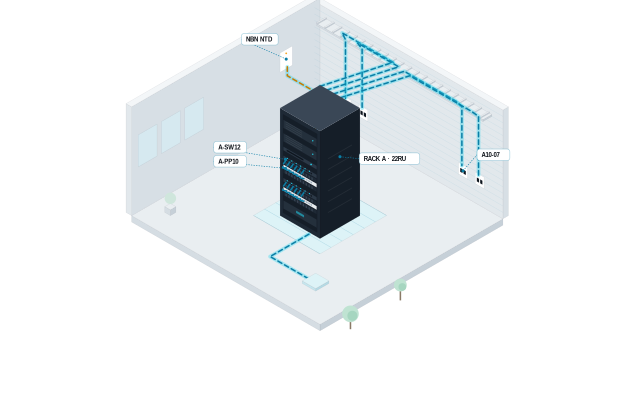
What it doesNetwork rack documentationDocument network racks front and rear: every RU, device, patch lead, power feed and outlet, with 2,550+ real hardware models. Built for the people at the rack.What it doesPatch panel documentationRecord every patch lead between patch panels and switches, with lead colours, cross-connects and damaged ports. Click two ports, save the lead.What it doesWall outlet documentationMap every patch panel port to the wall outlet it runs to, with outlet IDs from their panel ports and pins on the site plan.What it doesCable tracingTrace a wall outlet through the patch panel and patch lead to the switch port, and on across uplinks, without opening the cabinet. Built from your rack records.What it doesRack power documentationRecord what powers every device in a rack, from the wall power point through the UPS and PDU, and see which devices have a single power path.What it doesHandover & as-built documentsHand over a client-ready record: rack elevations, patching, outlets, site plans and topology as PDF reports, with a pre-drafted description of works.What it doesRack QR stickers & contractor accessQR stickers on every rack, device and outlet that open its record, and time-limited contractor access to only the racks you choose.What it doesTopology, site plans & room viewNetwork topology, site plans and to-scale room layouts drawn from your rack records, so the diagram never drifts from what is installed.
BY ROLE
Who it’s for
Who it’s forManaged service providersPhysical network documentation for MSPs: every client’s racks, patching, power and outlets in one place, with contractor access by the rack.Who it’s forElectrical & cabling installersDocument data cabling as you install it: panel ports to wall outlets, patching, power and labels, then hand the client a professional as-built record.Who it’s forSystems integratorsPlan racks and rooms before the gear arrives, document the build as you go, and hand over a record your client and their contractors can keep current.Who it’s forIn-house IT & infrastructure teamsKeep your own sites’ racks, patching, power and outlets documented, know what a failure would take down, and let contractors update the record safely.
GUIDES
Practical guides
GuideHow to label a network rackA practical method for labelling network racks, devices, patch panel ports and wall outlets so labels stay readable, unique and in step with the record.GuideNetwork rack audit checklistA practical checklist for auditing a network rack: physical condition, hardware, power, patching, structured cabling, labels and records.GuideHow to map patch panel portsA step-by-step method for mapping patch panel ports to wall outlets and switch ports on an existing site, and recording the map so it stays current.GuideHow to document a network you inheritedTaking over a site with no records? A practical order of work for documenting an inherited network: sites, racks, power, patching, outlets and links.GuideStructured cabling handover checklistWhat to hand a client at the end of a structured cabling job: rack records, outlet schedule, patching, labels, test results, photos and site plans.
HELP GUIDE
How to do it in the app
Every screen in CABVIX has a help article and most have a short video. The full guide is public.