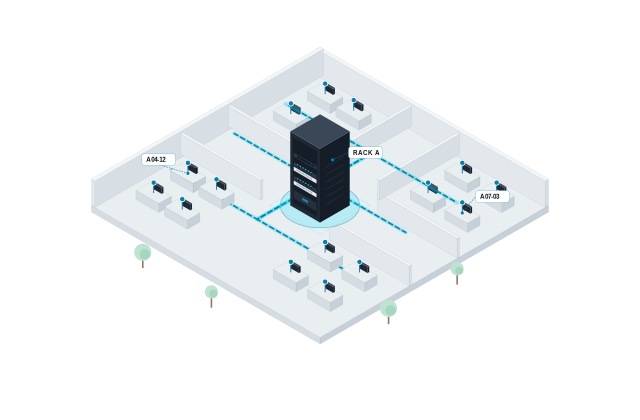
Design before it arrives
Rack Designer lets you lay out a rack and save it as a standard install your team reuses. Room view plans the comms room to scale, with power points, doors and clearances.PRO
Track the fit-out
Each rack moves through hardware, power, structured cabling, patching and labels, and the Home screen shows what’s in progress. Several people can work in the same workspace at once; saves are merged rack by rack.
Hand the site to the client
When the job is done, transfer the whole site to the client’s CABVIX workspace, or keep it and give their team access. The stickers keep working either way.
STEP BY STEP
How it works
- Design the racksSave standard installs.
- Plan the roomsTo scale, with power and doors (Pro).
- Build and recordRack by rack, as you go.
- Transfer or shareHand the record to the client.
COMMON QUESTIONS
FAQs
Can the client’s other contractors update the record later?
Yes. Whoever owns the site can give contractors time-limited access to just the racks they work on.
Can we reuse a rack design across projects?
Yes. Save a design as a standard install and use it when adding a rack to any site.
KEEP READING
Related
TRY IT
See it in the real app.
The live demo on our homepage is the real CABVIX app running in your browser on sample data. CABVIX is releasing soon: join the launch list to be first in.